Issues with Windows 3.1's display. [Fixed by myself]

So im having issues trying to display more colors on Windows 3.1, and apparently, mu luck is not that easy for some reason.
I set the display to Phoenix S3 Trio64 and found this floppy image from Archives.
https://archive.org/details/s3-trio-64v-plus-win-31-95-drivers
When I inserted the floppy image inside and went to the windows setup in the MS-DOS prompt, and chosed Other to find the display drivers, and I chosed S3 Trio64V 1.64.06 800x600 or something. after it copied over the files, it gived me this error messsage.
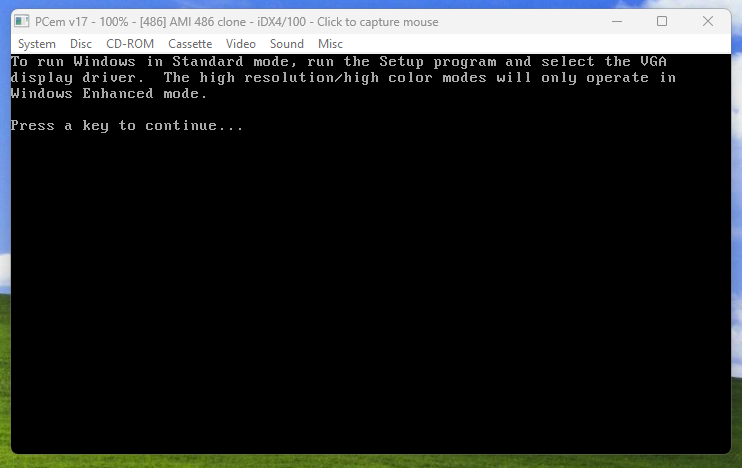
Got confused, and when I pressed any key to continue, the DOS prompt display changed!
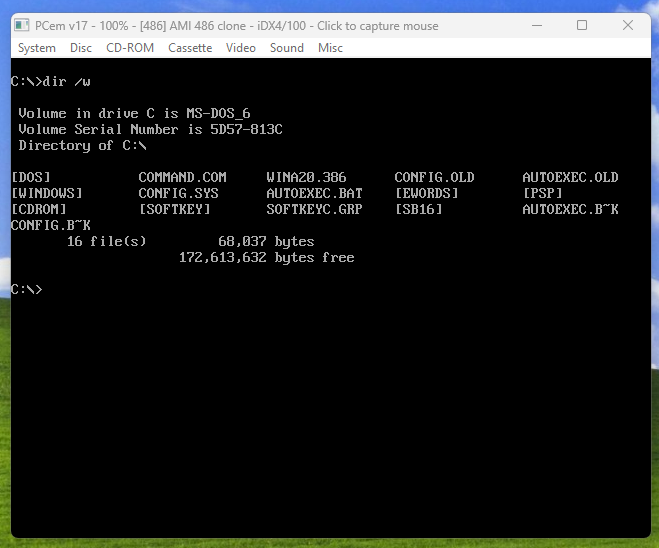
Typing mode 80 changes it back to 80x25, but after i typed "win /3" this happened.
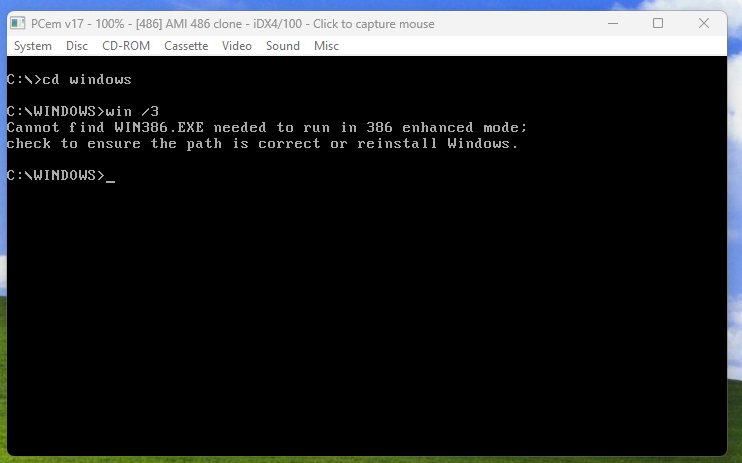
Got a bit mad and checked if WIN386.EXE existed, sure enough, it doesn't.
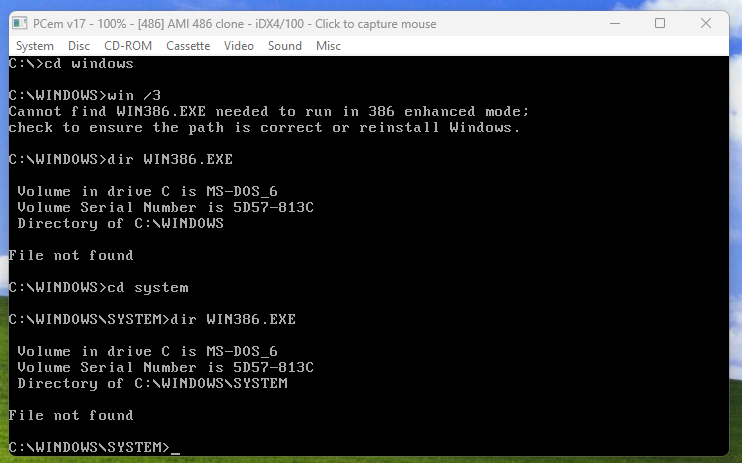
So I was pissed off, because the other Windows 3.1 virtual machine has WIN386.EXE inside the SYSTEM folder.
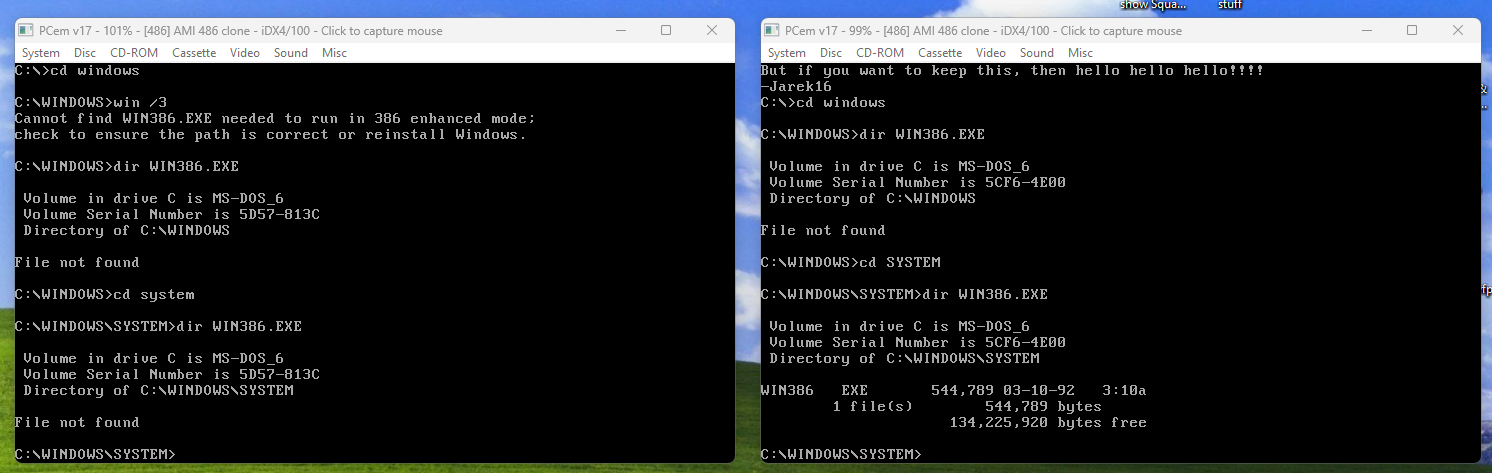
Left side: No WIN386.EXE / Right side: WIN386.EXE exists.
So I was wondering, why doesnt WIN386.EXE exists on the other one?
I also don't know why Windows doesnt boot when WIN386.EXE doesnt exist, does it need that to boot?
Like im confused as hell.
When I changed the display to Tseng ET4000AX, only the 16 colors work, but gettting any higher, gets this weird glitch where the DOS prompt is invisible while the boot screen is still showing but in a different color.
So I tried to copy the WIN386.EXE to the other one and see if it was the issue.
Turns out, it needs another file: "vtdapi.386", and KRNL386.EXE....
I swear, when I installed Windows 3.1 on the other one, it should've had all of the files, maybe when the virtual machine was set to 286 a couple of weeks ago, it maybe didnt copy the files? But as you can see both of them are 486 as of right now.
So I copied the two important files.
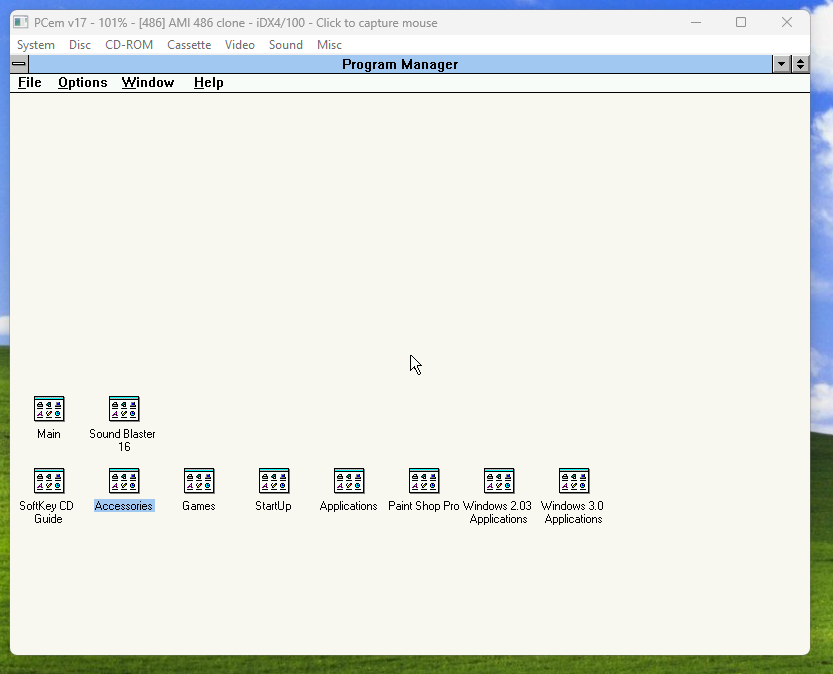
Well. Turns out the issue was the three missing files:
vtdapi.386
KRNL386.EXE
and
WIN386.EXE.
Im terribly sorry for wasting your time just to see me fix this issue all by myself, I'll still upload this forum to show that if you cant boot Windows 3.1 because its missing those files, well it's because you probably didnt have an processor higher than 386. Becuase this was an 286, upgraded to 486.
I set the display to Phoenix S3 Trio64 and found this floppy image from Archives.
https://archive.org/details/s3-trio-64v-plus-win-31-95-drivers
When I inserted the floppy image inside and went to the windows setup in the MS-DOS prompt, and chosed Other to find the display drivers, and I chosed S3 Trio64V 1.64.06 800x600 or something. after it copied over the files, it gived me this error messsage.
Got confused, and when I pressed any key to continue, the DOS prompt display changed!
Typing mode 80 changes it back to 80x25, but after i typed "win /3" this happened.
Got a bit mad and checked if WIN386.EXE existed, sure enough, it doesn't.
So I was pissed off, because the other Windows 3.1 virtual machine has WIN386.EXE inside the SYSTEM folder.
Left side: No WIN386.EXE / Right side: WIN386.EXE exists.
So I was wondering, why doesnt WIN386.EXE exists on the other one?
I also don't know why Windows doesnt boot when WIN386.EXE doesnt exist, does it need that to boot?
Like im confused as hell.
When I changed the display to Tseng ET4000AX, only the 16 colors work, but gettting any higher, gets this weird glitch where the DOS prompt is invisible while the boot screen is still showing but in a different color.
So I tried to copy the WIN386.EXE to the other one and see if it was the issue.
Turns out, it needs another file: "vtdapi.386", and KRNL386.EXE....
I swear, when I installed Windows 3.1 on the other one, it should've had all of the files, maybe when the virtual machine was set to 286 a couple of weeks ago, it maybe didnt copy the files? But as you can see both of them are 486 as of right now.
So I copied the two important files.
Well. Turns out the issue was the three missing files:
vtdapi.386
KRNL386.EXE
and
WIN386.EXE.
Im terribly sorry for wasting your time just to see me fix this issue all by myself, I'll still upload this forum to show that if you cant boot Windows 3.1 because its missing those files, well it's because you probably didnt have an processor higher than 386. Becuase this was an 286, upgraded to 486.