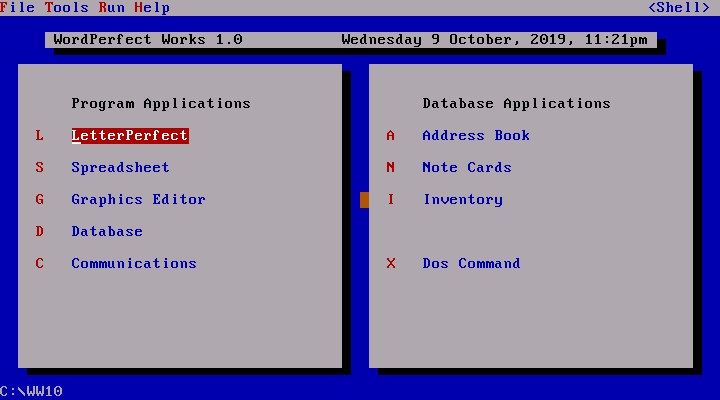
If you are going to use WordPefect Works for DOS in DOSBox, be aware that the menu shell program WW.EXE will hang when using DOSBox-X. It will work with the original DOSBox and DOSBox Staging. The individual program exe will work by themselves except for the communication program. The menu shell program was kinda buggy even when running on bare metal DOS install.
I've been trying to get this to work on instances of MS-DOS 6.2 and FreeDOS. On each instance, after installation, opening up the shell (ww10.exe) causes an error: Interrupt divide by zero on FreeDOS and Divide overflow on MS-DOS. Both systems freeze upon this error.
"VMWare is not an emulator these days, but a hypervisor. Windows 3.1 is running directly on the hardware with nothing underneath it, just fenced in by hardware-level protection and translation. If you want to slow it down, you'll have to eat up cycles with a busy task, or slow down your processor some other way."

 WordPerfect Works 1.0
Comments
Try using an emulator like 86Box or PCem, it works fine.
"VMWare is not an emulator these days, but a hypervisor. Windows 3.1 is running directly on the hardware with nothing underneath it, just fenced in by hardware-level protection and translation. If you want to slow it down, you'll have to eat up cycles with a busy task, or slow down your processor some other way."
https://retrocomputing.stackexchange.com/questions/17437/how-do-i-slow-down-the-emulation-in-vmware-and-make-it-go-proper-fullscreen-fo