Norton Utilities 8.0

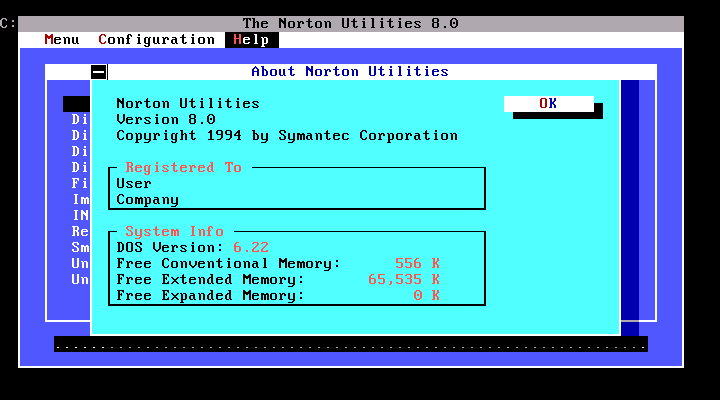 Norton Utilities 8.0
WinWorld is an online museum dedicated to providing free and open access to one of the largest archives of abandonware software and information on the web.
Norton Utilities 8.0
WinWorld is an online museum dedicated to providing free and open access to one of the largest archives of abandonware software and information on the web.
Comments
Installation failure with "Norton Utilities 8 (5-18-1994) DES (3.5)". The installer complains about Disk 2 "This disk doesn't appear to be one of the installation disks or it cannot be read because of a disk error". Looking at the disks, I notice they have no LABELS, while if I look at "Norton Utilities 8 (4-23-1994) (3.5)" they do have labels: "DISK 1OF4", "DISK 2OF4", "DISK 3OF4", "DISK 4OF4".
I tried using those same labels with the "Norton Utilities 8 (5-18-1994) DES (3.5)" release, but it made no difference. So it is a bad dump.
The "Norton Utilities 8 (4-23-1994) (3.5)" release did install without problems.
It installed fine for me as is. Off hand I don't see anything wrong with the disk images.
@Pawn
"Norton Utilities 8 (5-18-1994) DES (3.5)" has no problem to install.
Also this is dumped from original media.
(I also dumped it from original and verified it.)
I doubt "Norton Utilities 8 (3-1-1994) (3.5)" and "Norton Utilities 8 (4-23-1994) (3.5)" is dumped from original?
First, I know no Boot ID:"MSDOS 3.3" exsits on Norton Utilites.
--> I think a lot of disk images with Boot ID:"MSDOS 3.3" is uploaded on WinWorld.
But a few of disk images seems not to be dumped from original but fake or hand-made.
Second, time stamp seems to be strange on label "labels: "DISK 1OF4", "DISK 2OF4", "DISK 3OF4", "DISK 4OF4". (No time stamp is recorded on root sector.)
Here's a problem, though. The installer complains about problems extracting `symevnt1.dll`. Indeed, immediately after you encounter this problem, the installation directory will be missing this file (while `symevnt.386` will still be present).
This is because the installer removes all copies of `symevnt1.dll` it happens to find on the hard disk. Literally, all copies -- including the one it intended to install.
So the solution is to preserve the file (outside your DOS box),
manually copy the DLL to C:\WINDOWS\SYSTEM,
and add `symevnt.386` to the [386enh] section of your `system.ini`.
This will allow Norton Disk Doctor to run in the background.